
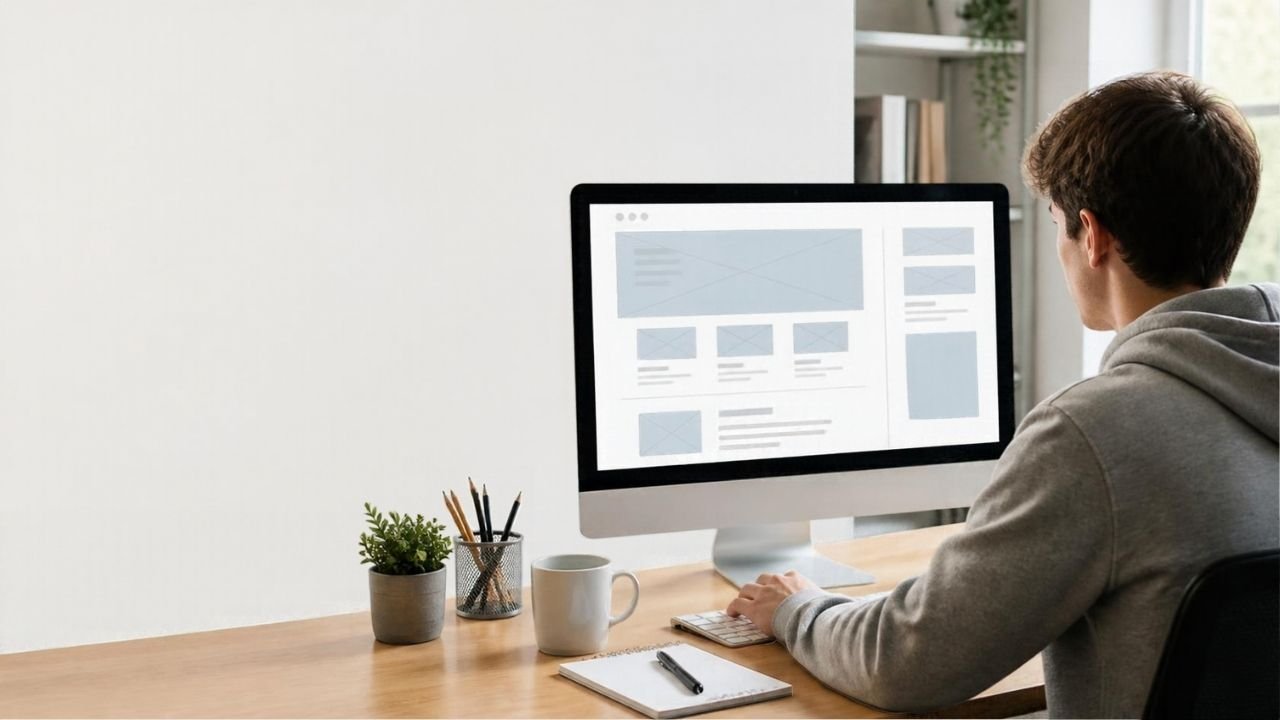
Choosing a career after school or graduation can be confusing, especially when you want to learn something practical that connects creativity with technology. Many students in Ballia are exploring digital skills, and web designing is one option worth understanding if you enjoy designing, working with computers, and creating things for the internet.
Think about the websites you visit every day. A coaching institute uses its website to share course information, a local business uses it to reach customers, and an online store uses it to display products. Behind these websites, someone has planned the layout, selected the colours, organised the information, and made the pages easy to use. That is where web design skills become important.
But what does it actually take to become a web designer? Do you need coding knowledge, creative talent, or an advanced computer science degree?
The answer is simpler than many beginners expect. You can start with the fundamentals and develop your skills gradually through regular practice. If you are searching for a practical way to learn web designing in Ballia, understanding these essential skills is a good place to begin.
What Does a Web Designer Actually Do?
A web designer helps create the appearance, structure, and usability of a website. The work involves more than making a webpage look attractive. Visitors should be able to find information, understand the content, and navigate between pages without unnecessary confusion.
For example, imagine a student visiting a coaching institute’s website. The student wants to know about available courses, fees, class schedules, and admission procedures. A well-designed website presents this information clearly and makes it easy to contact the institute.
Web designers work with layouts, typography, colours, images, navigation menus, and interactive elements to create this kind of experience. Depending on their role, they may also use HTML, CSS, JavaScript, WordPress, and other website development tools.
If you want to understand the broader process, read our guide on how to become a web designer, which explains the learning journey from the basics to practical projects.
1. Learn the Fundamentals of Website Design
Before jumping into coding or complicated software, learn how to organise a webpage.
A good website has a clear structure. Headings should stand out, paragraphs should be readable, buttons should be easy to identify, and important information should appear where visitors expect to find it.
This is where concepts such as spacing, alignment, colour combinations, typography, and visual hierarchy come into play. These principles help you create designs that look organised instead of crowded.
You can practise by studying websites of local businesses in Ballia. Notice how they display their services, contact information, images, and calls to action. Then try designing a cleaner version of a homepage on paper or using a design tool.
You do not need exceptional artistic talent to begin. Developing an eye for good design takes observation, experimentation, and practice.
2. Understand HTML and CSS
HTML and CSS are essential technical skills for anyone who wants to move beyond designing static layouts.
HTML, or HyperText Markup Language, creates the structure of a webpage. It defines elements such as headings, paragraphs, images, links, lists, and forms.
CSS, or Cascading Style Sheets, controls how those elements appear. You can use it to change colours, fonts, spacing, backgrounds, and page layouts.
Suppose you are creating a website for a shop in Ballia. HTML helps you organise the product information, while CSS helps you present the products in a clean, attractive layout that customers can browse comfortably.
Start with basic HTML elements and simple CSS rules. Once you understand them, move on to Flexbox, CSS Grid, and responsive layouts.
If you are interested in learning these skills together, explore our web development courses for beginners in Ballia.
3. Develop UI and UX Design Skills
UI stands for User Interface, while UX stands for User Experience. Both are important when creating useful websites.
UI focuses on the elements people see and interact with, such as buttons, menus, forms, icons, and page layouts. UX focuses on how easily people can use the website and complete their tasks.
Consider a website with a beautiful homepage but a confusing contact form. Visitors might leave without sending an enquiry because the next step is unclear. A better design makes the form simple, places important information where it belongs, and guides visitors naturally.
This is particularly relevant for business websites, educational institutes, and service providers that want visitors to make enquiries.
As a beginner, practise designing simple landing pages and registration forms. Ask someone else to use your design and observe where they experience difficulty. Their feedback can help you identify problems you might not notice yourself.
4. Learn Responsive Web Design
People access websites on mobile phones, tablets, laptops, and desktop computers. Your design needs to work properly across these different screen sizes.
Responsive web design allows page layouts and elements to adapt to the available screen space. A navigation menu may change on mobile, images may resize, and multiple columns may become a single column.
For instance, a student visiting a course website on a mobile phone should be able to read the course details and find the admission button without constantly zooming in.
Learn about flexible layouts, CSS media queries, responsive images, and mobile-first design. Test your projects on different screen sizes before considering them complete.
This skill is especially useful when creating websites for businesses whose customers primarily browse on smartphones.
5. Get Comfortable with Figma and WordPress
Design and website-building tools can make your work more organised and efficient.
Figma is useful for creating website wireframes, page layouts, interface designs, and prototypes before development begins. A wireframe provides a basic plan for the page, helping you decide where the content and interactive elements should appear.
WordPress, on the other hand, allows you to build and manage websites using themes, plugins, and other customisation options. Elementor is a visual page builder that helps you create page layouts without manually coding every design element.
These tools are useful when working on business websites, blogs, portfolios, and educational websites.
You do not have to master every tool at once. Start with the basics, practise creating a few layouts, and gradually learn how to turn your designs into working websites.
If WordPress interests you, take a look at our guide to WordPress training in Ballia.
6. Build Basic JavaScript Knowledge
HTML creates structure, and CSS controls appearance. JavaScript adds interaction to a website.
It can be used for interactive menus, form validation, tabs, sliders, and other dynamic features. You may not need advanced JavaScript for every web design project, but understanding the basics can help you work more confidently with modern websites.
Start by learning variables, functions, conditions, events, and basic interaction with webpage elements. Practise small tasks before moving towards larger projects.
Once you are comfortable with HTML, CSS, and JavaScript, you can explore frontend development and technologies such as React. Our guide on what frontend development means explains how the visual and interactive parts of a website are built.
7. Practise by Creating Real Projects
One common mistake beginners make is spending too much time watching tutorials without creating anything themselves.
You can understand a concept while watching someone demonstrate it, but applying that concept independently is a different experience. Practical projects help you discover mistakes, solve problems, and remember what you learn.
Begin with manageable projects, such as:
- A personal portfolio website.
- A homepage for a local shop or coaching institute.
- A responsive landing page for a course.
- A WordPress website for a small business.
As you progress, improve your designs, test them on different devices, and explain the decisions behind your work.
Save your completed projects in a portfolio. This gives employers or potential clients a way to assess your practical abilities rather than relying only on what you say you can do.
8. Improve Your Communication and Problem-Solving Skills
Web designers often work with business owners, developers, marketers, and other team members. Understanding requirements and communicating ideas clearly are therefore important parts of the job.
Imagine a local business owner asking you to create a website that generates more enquiries. Before designing the homepage, you need to understand the business, its audience, the services it offers, and the actions visitors should take.
Problem-solving also helps when a layout breaks on mobile, a form stops working, or a page loads slowly. Instead of changing random settings, learn to identify the cause and test possible solutions.
These skills develop naturally as you work on projects and learn from feedback.
How Can You Learn Web Designing in Ballia?
If you are starting from zero, following a structured learning path can make the process easier. Begin with design fundamentals, then learn Figma, HTML, CSS, responsive design, JavaScript, and WordPress. Build projects as you progress instead of waiting until you have completed every topic.
For students and graduates looking for guided practical learning, CREATOFLY Digital Training Institute offers a Web Designing Course in Ballia.
The institute’s 12-month Web Designing and Frontend Development Career Program covers design fundamentals, Figma, HTML, CSS, JavaScript, responsive design, WordPress, Elementor, React.js, and practical project work. Learners also work towards developing a portfolio that demonstrates their skills.
You can explore the career programs at CREATOFLY Academy to understand the available learning options. If you are unsure whether this course suits your goals, review the web designing course curriculum and duration before making a decision.
The right learning environment should help you understand concepts, practise regularly, ask questions, and gradually become more independent in your work.
Is Web Designing a Good Career Option After 12th?
Web designing can be worth exploring after Class 12 if you enjoy creative work, computers, and problem-solving. Students from different educational backgrounds can begin learning its fundamentals, although the depth of technical knowledge required will depend on their chosen role.
A practical foundation can help you explore opportunities such as web designer, WordPress developer, junior frontend developer, or freelance website designer as your skills develop.
Read our article on web designing as a career after 12th to understand the options available to beginners.
Remember that completing a course does not automatically guarantee a job. Your practical skills, portfolio, communication, and ability to solve real problems will all influence your opportunities.
Final Thoughts
Becoming a web designer is a gradual learning process. You do not need to know every programming language or design tool before getting started. What matters is developing a solid foundation, practising consistently, and learning how to turn ideas into useful websites.
Start with design principles and HTML and CSS. Then explore responsive design, UI/UX, Figma, WordPress, and JavaScript. As your confidence grows, build complete projects and create a portfolio that reflects your progress.
If you are based in Ballia and want to develop these skills through guided training, explore CREATOFLY Academy. Review the course details, learning approach, and practical work to decide whether the program matches your goals.
Your first website does not need to be perfect. It simply needs to be the beginning of your learning journey.
